
A quick preview of the main screens your staff and customers will use.
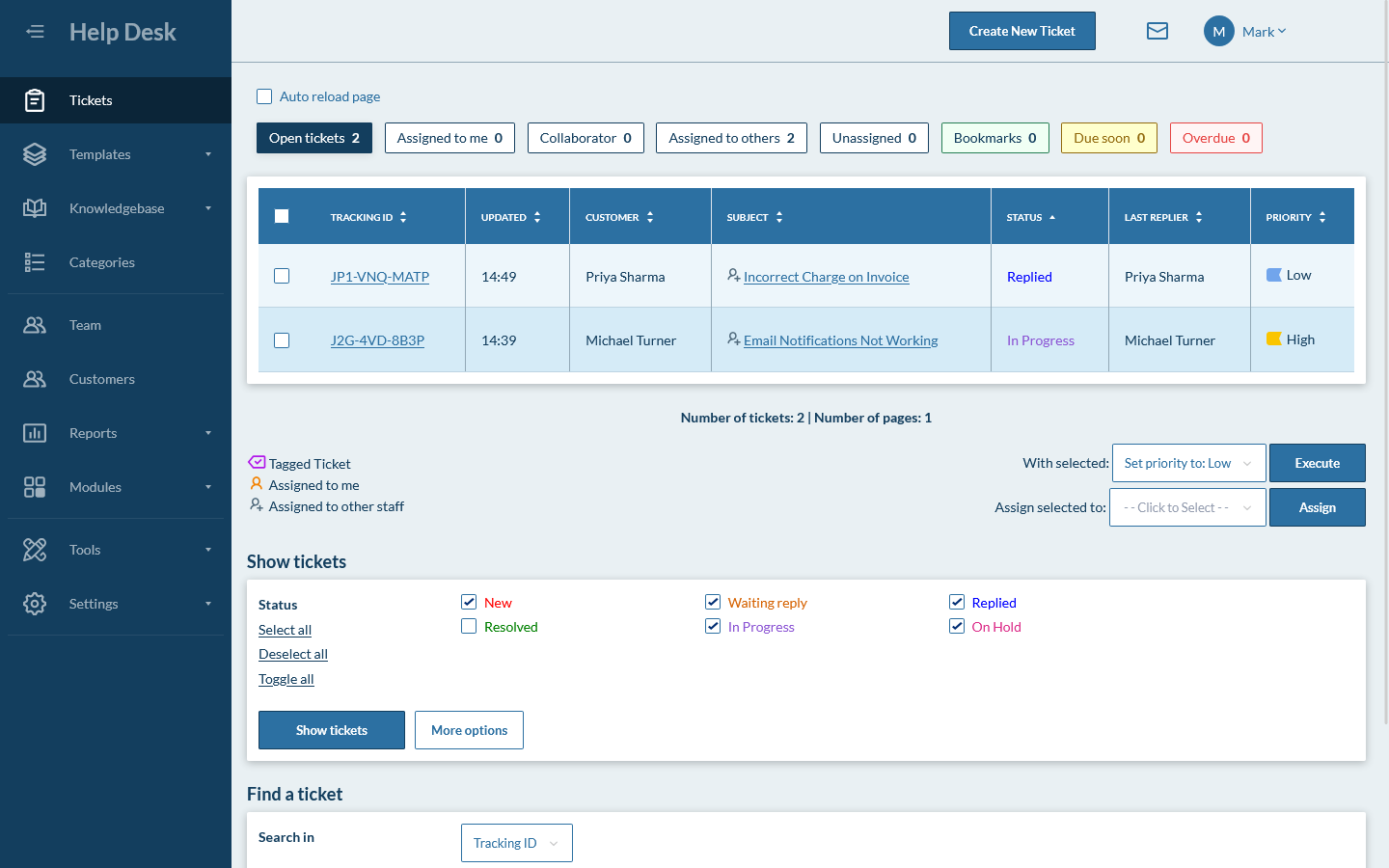
Ticket queue
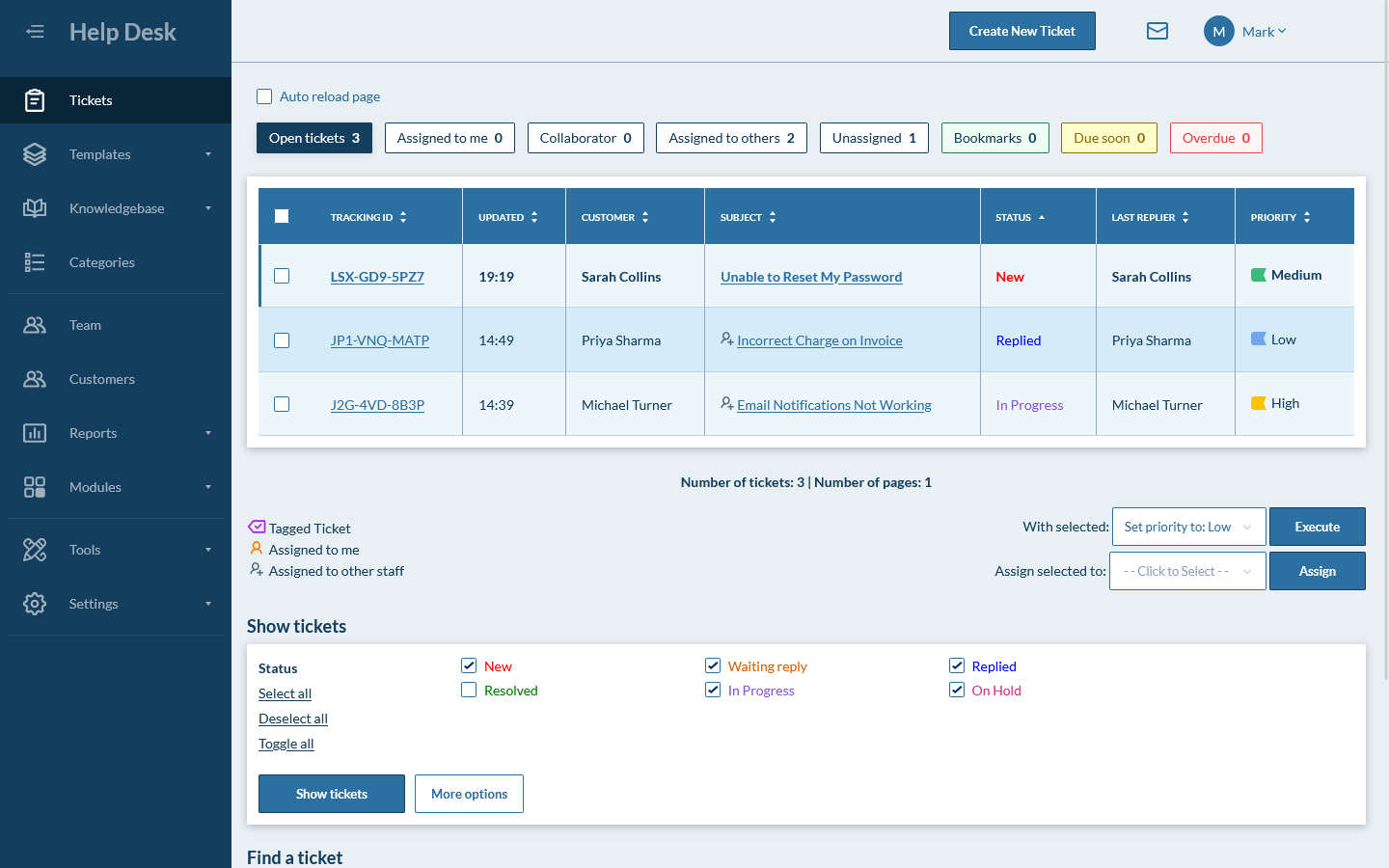
New ticket assigned to you
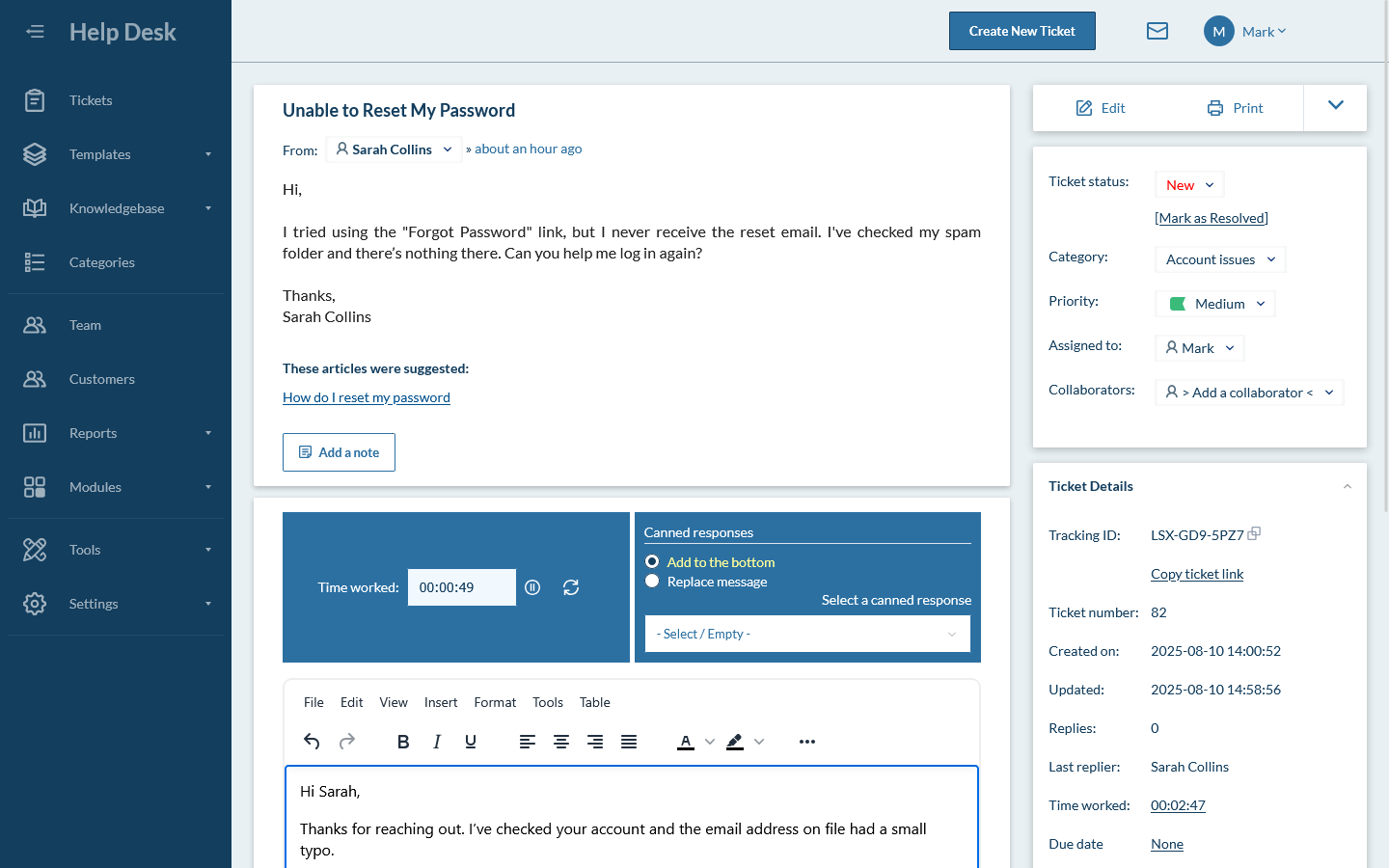
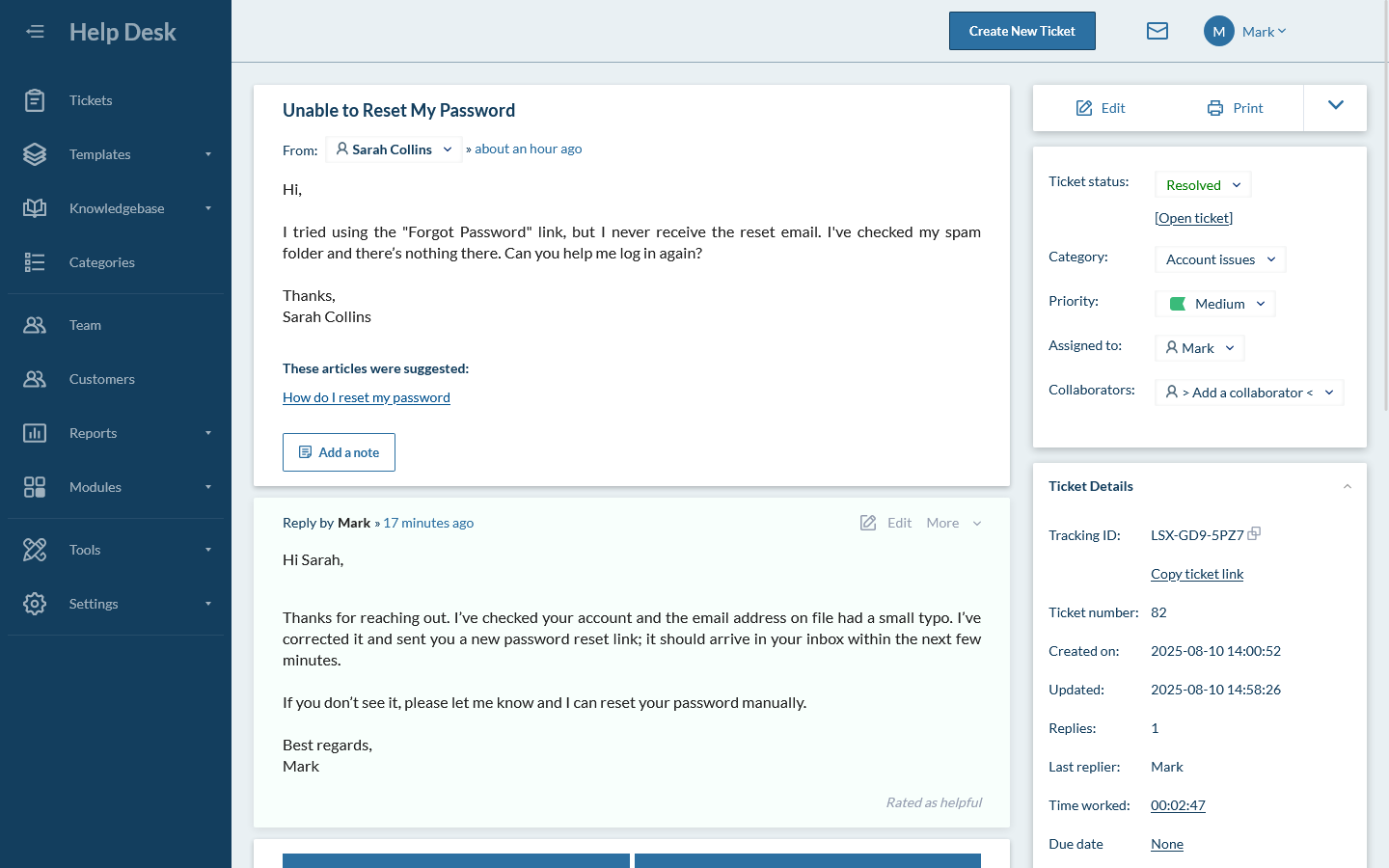
Ticket details
Writing a response
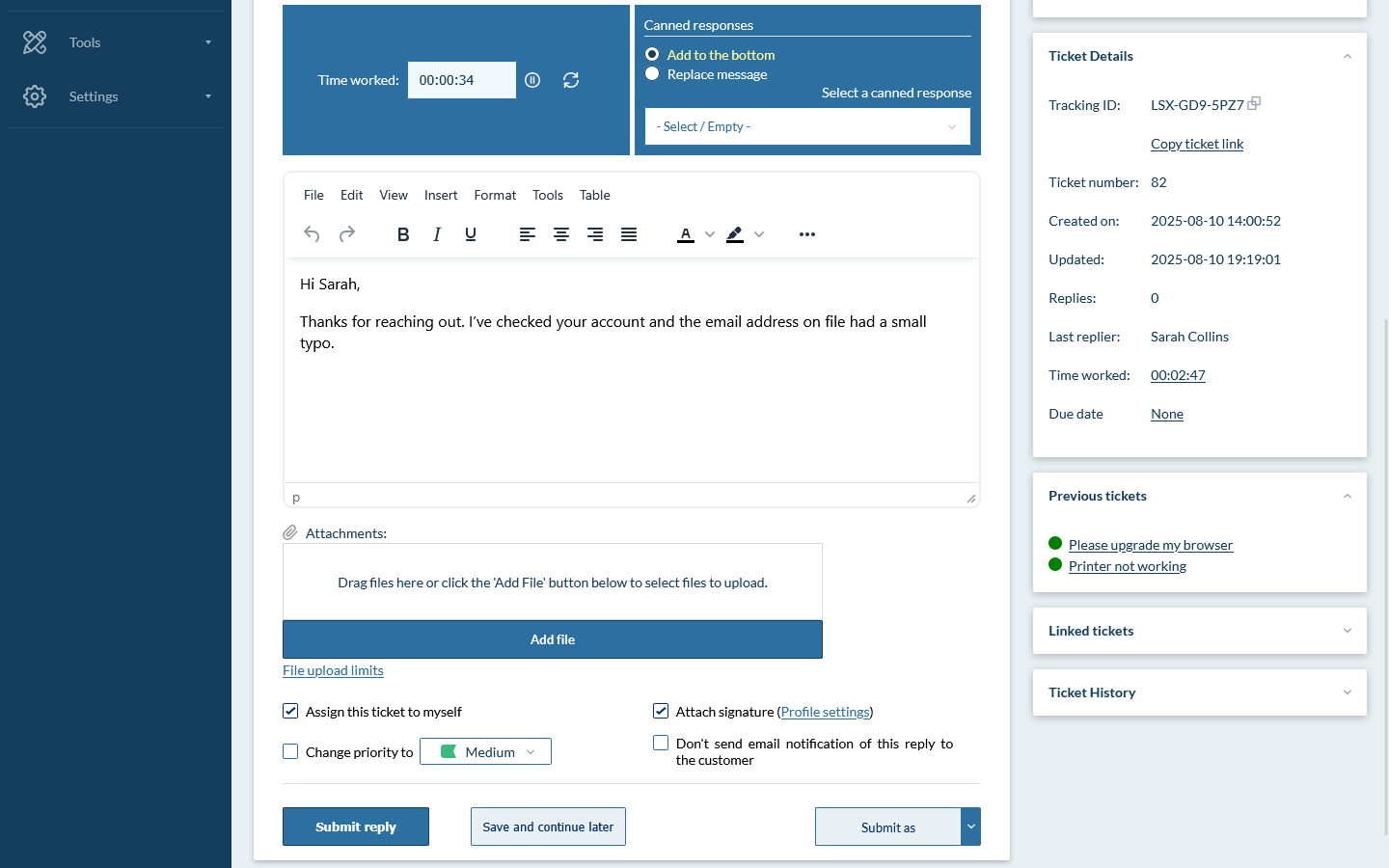
Respond to the ticket and resolve it
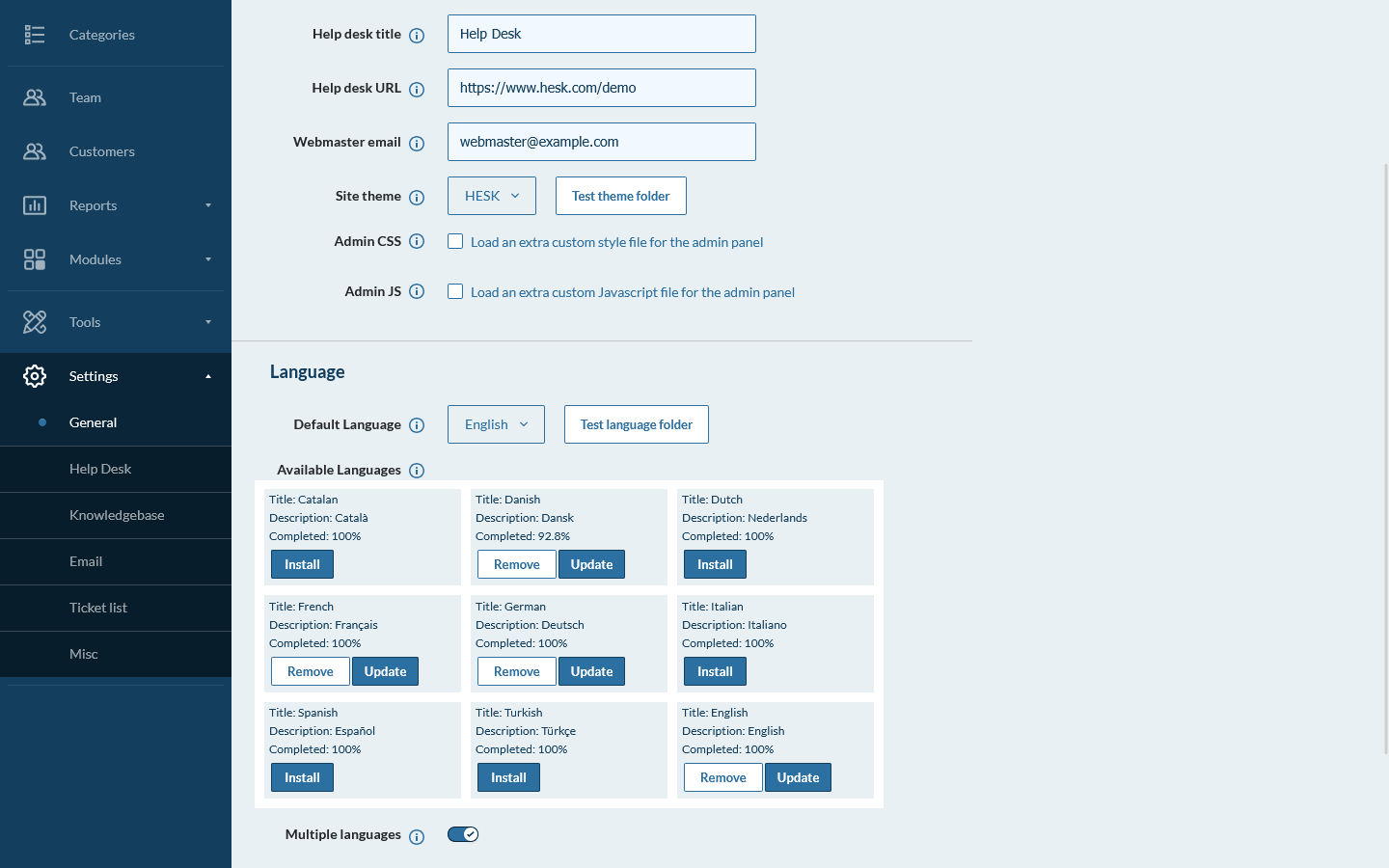
Extensive configuration options
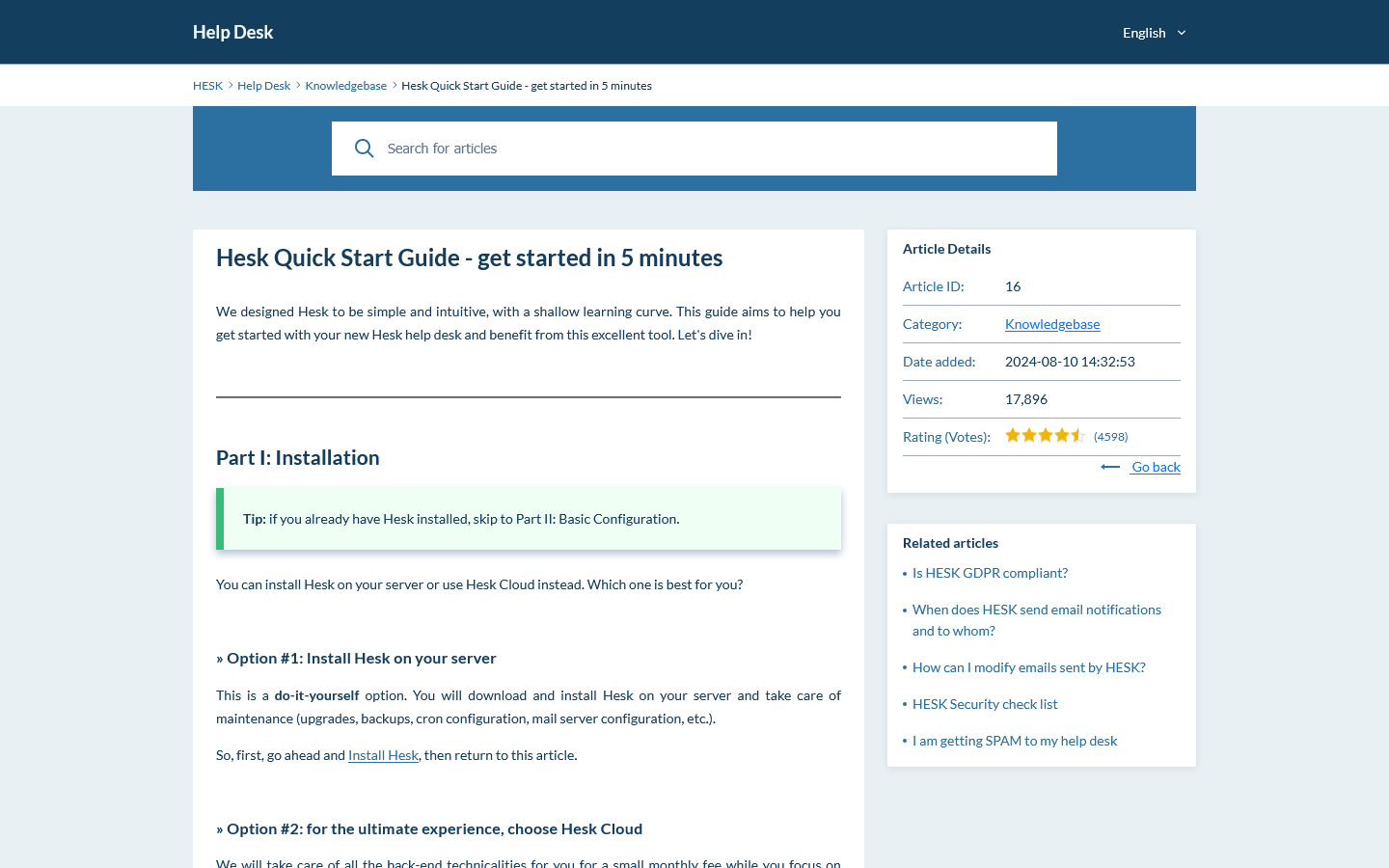
Customer Portal: Knowledgebase article
Customer Portal: Dark theme
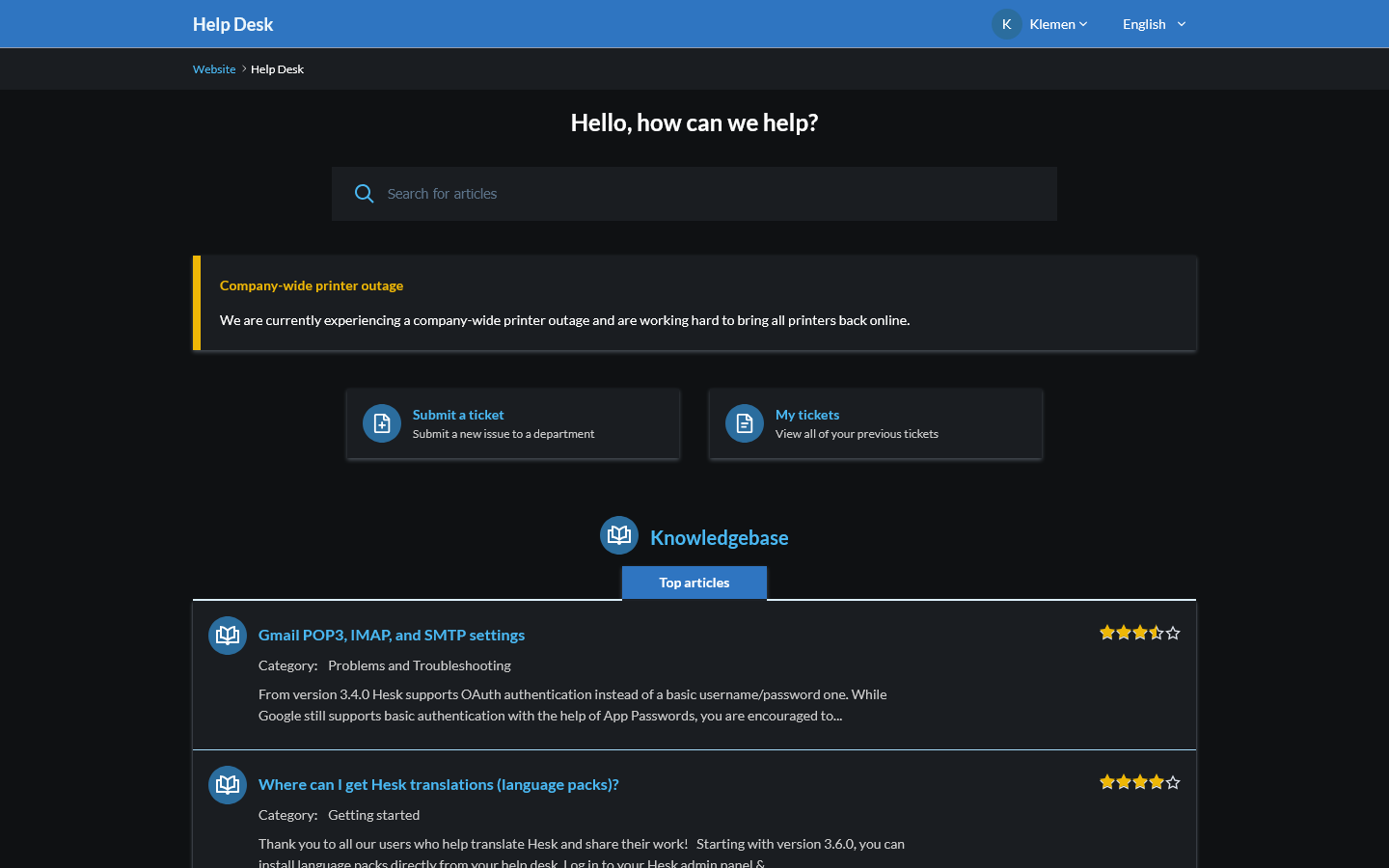
Customer Portal: My tickets
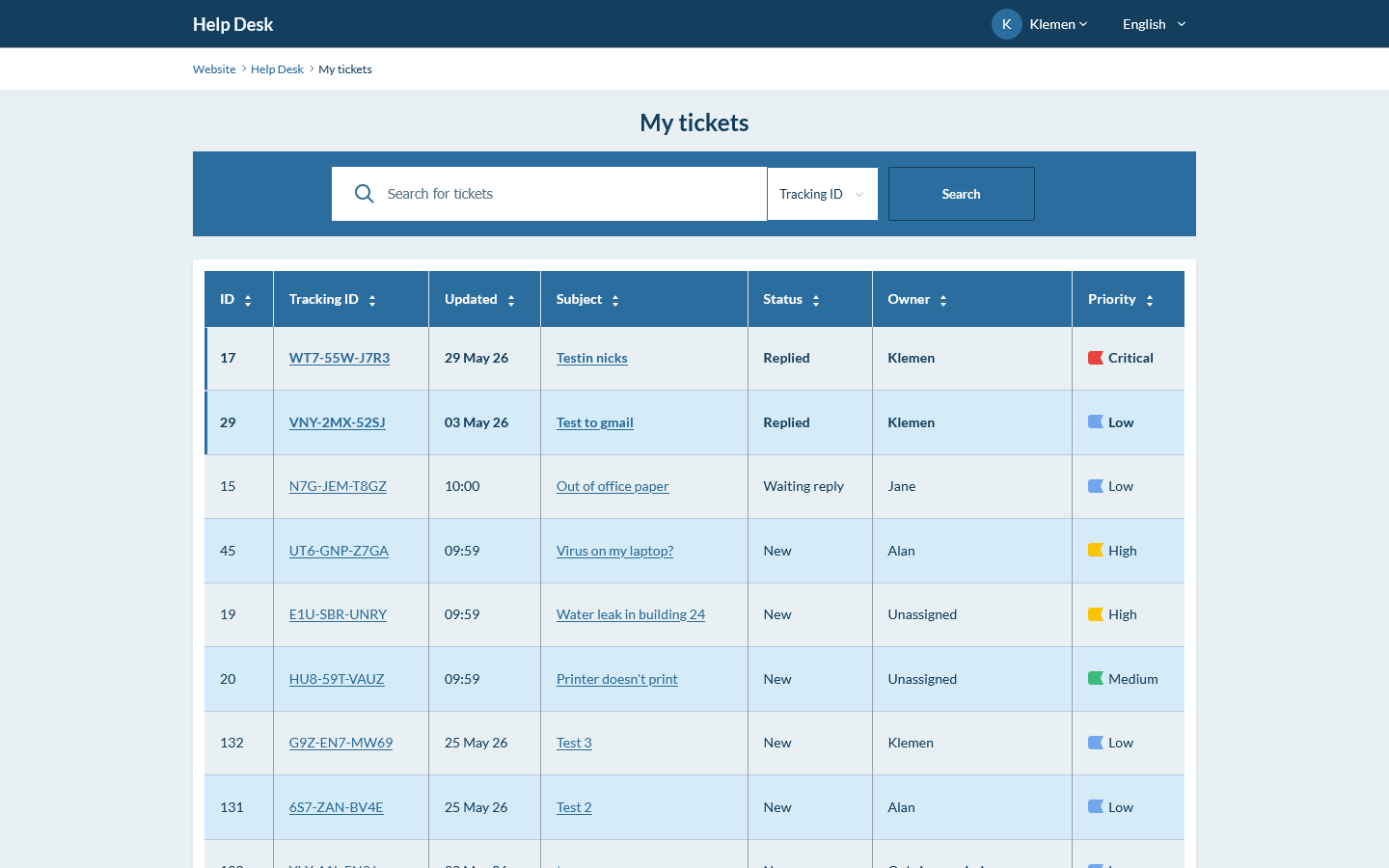
This is a shared public demo. Other visitors may be testing it at the same time, and demo data may be reset.
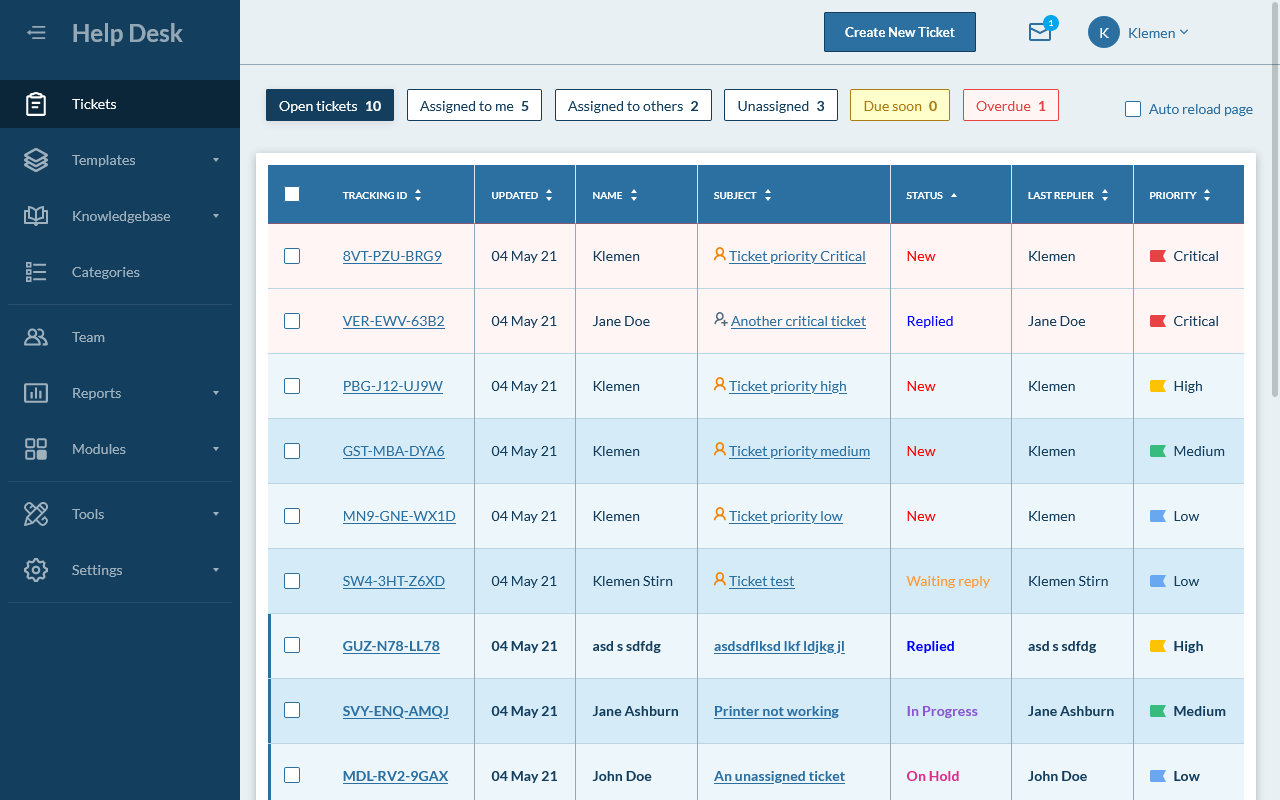
See how staff manage tickets, replies, assignments, categories, reports, and settings.
Username: Demo
Password: demo1
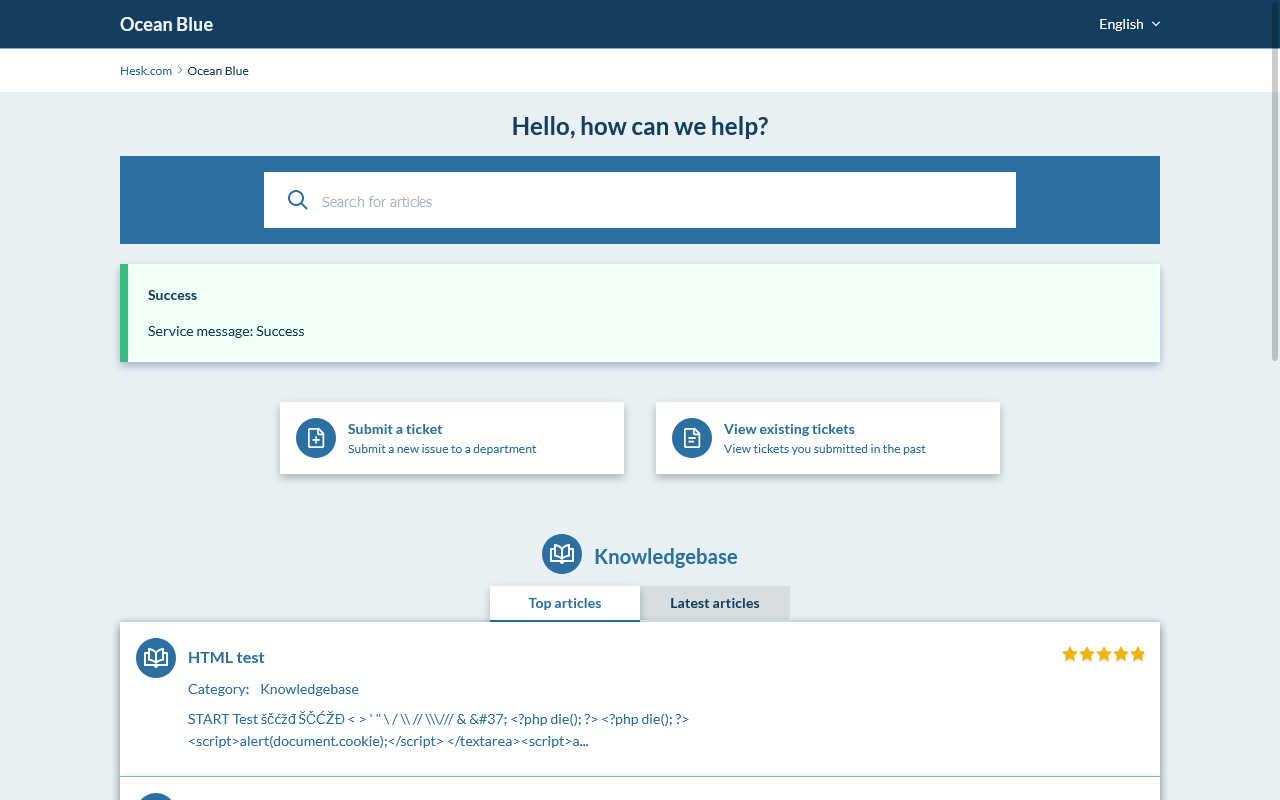
See how customers search the knowledgebase, submit tickets, and check ticket status.
Username: customer@example.com
Password: demo1
 Submit a test ticket from the customer portal.
Reply to it from the staff panel.
Open the staff panel settings area to see how configurable Hesk is.
Explore categories, tools, reports, and more in the staff panel.
 Centralize support requests
Collect and manage tickets from web forms, email, and other support channels.
Organize and track ticketsUse categories, priorities, statuses, assignments, and history to keep work moving.
Help customers find answersBuild a knowledgebase with FAQs, guides, and common solutions.
Reduce back-and-forthCollect the right details, use canned replies, and track time spent on tickets.
More tools when you need themUse reports, reply ratings, spam prevention, multi-language support, and more.
Powerful, but easy to manageHesk is configurable, practical, and easy to manage without a steep learning curve.
Download Hesk Free for your own server, or start faster with Hesk Cloud.